
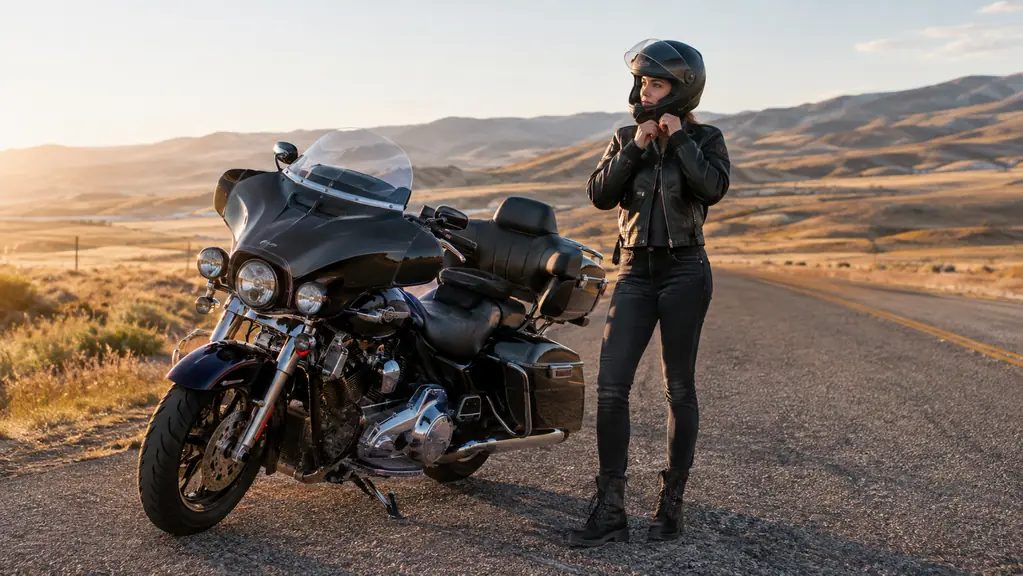
At 70 mph, wind noise inside a full-face helmet is not background noise. It is a constant roar that swallows music, voice prompts, and everything else. I found this out the hard way on my 2017 Harley-Davidson Road King, on the interstate east of Twin Falls, trying to follow a GPS voice that sounded like it was speaking from another room. After years of turning up the volume until the speakers distorted, I fitted a Cardo Spirit to my helmet and changed how I set up every ride. This is the step-by-step version of what worked for me, including the mistakes that wasted my first week.
The Cardo Spirit is a small Bluetooth communicator that mounts on the side of a helmet and pairs with your phone for music, calls, and GPS directions. It is not the fanciest unit Cardo makes, but it is the one I have ridden with daily for months. What matters here is not the spec sheet. It is how to set the thing up so you can actually hear a song at 75 mph and still catch the next turn. Most riders I meet either never install theirs properly or give up after one loud, confusing ride.
Hear your music and your GPS on the first try.
Skip the trial-and-error. I have laid out the exact setup that works on my Road King, and the same steps work on any helmet with a little patience. Check today's price on Amazon and set it up before your next ride.
Amazon Check Today's Price on Amazon →Step by Step: Setting Up the Cardo Spirit
Step 1: Mount the Unit Where Your Hand Can Find It Without Looking
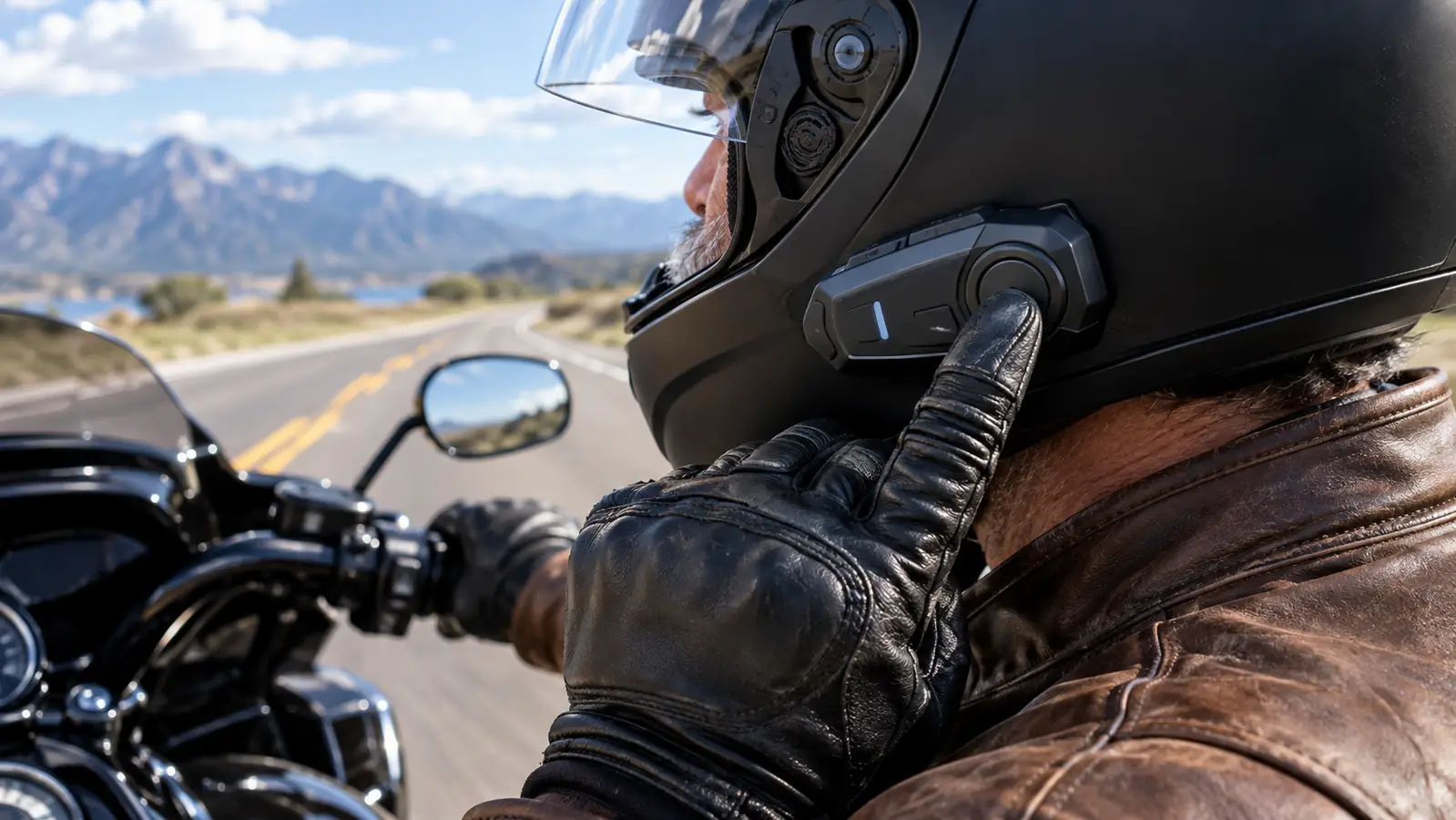
The single biggest mistake is mounting the communicator too far back on the helmet shell. You will reach for it while riding, and if your hand has to search, you will take your eyes off the road. On my full-face helmet, I positioned the Cardo unit just forward of the left temple area, where my thumb lands naturally when I raise my hand.
Clean the shell first with rubbing alcohol, let it dry, then press the mount firmly for about 30 seconds. The adhesive needs a warm surface, so if you are fitting it in a cold garage, warm the helmet shell with a hair dryer or bring it inside for an hour. A mount that peels off at speed is not just annoying, it is dangerous. Once it is on, let it sit overnight before you trust it.
Step 2: Position the Speakers Inside the Helmet Liner
Speakers sit in pockets in most helmet liners, but the pockets are often placed for an average ear position. Put the helmet on before you finalize the speakers. The center of each speaker should line up with your ear canal, not sit behind or below it. I had mine too low for the first two rides and kept wondering why the volume had to be maxed out.
If your helmet does not have pockets, use the included hook-and-loop pads and press the speakers against the liner while wearing the helmet so they sit snugly. Thin speakers like the 32mm ones in the Cardo Spirit help here. After you position them, zip or tuck the liner back carefully. A speaker that shifts forward can press on your ear and become painful after an hour.
Step 3: Pair the Phone, Then Set Audio Priority
Pairing is standard Bluetooth: hold the main button until the LED flashes in pairing mode, then select Cardo from your phone. The part most people skip is audio priority. The unit should give GPS directions priority over music, ducking the volume when a turn is coming. In the Cardo app, set navigation prompts to high priority and media to background. Otherwise the GPS and your music fight for the same speaker.
I run Google Maps on my phone for most trips. With the Spirit set up this way, the music dips for a second, the direction comes through clearly, and the song returns. That little dip is the difference between hearing 'exit right' and missing your exit because a chorus drowned it out. It took me about four minutes to configure, and I have never changed it since.
Step 4: Set Volume Once, at Highway Speed, Not in the Garage
Volume settings are deceptive. At a standstill, half volume sounds loud. At 75 mph, it disappears. So set your volume on the road, with the wind in your face, with your normal earplugs if you wear them. I use foam earplugs under the helmet, and I had to turn the Cardo up higher than I expected to hear it clearly. Start at about 70 percent, ride, and adjust in small steps.
This is also where you learn whether your speakers are placed right. If you have to go past 80 percent to hear anything, go back to Step 2 and adjust the speaker position before you blame the unit. Wind noise is the real enemy, and no communicator can fix bad placement. The Cardo Spirit has enough volume for me, but only because the speakers are exactly where they need to be.
Step 5: Cut Wind Noise at the Source
The best communicator in the world cannot beat a helmet that leaks air. Wind noise builds fast above 55 mph and drowns the frequencies that speech and music use. Check the seal around your visor and make sure the chin curtain is in place. A cheap foam chin curtain or a fleece neck gaiter does more for audio clarity than any equalizer setting.
I also ride with the vents closed on cold mornings and open them only when I need airflow. Every bit of turbulence you remove is a bit more music you can hear at a lower, safer volume. Protecting your hearing is part of the setup. If you ride without earplugs because you want to hear the GPS, get a system you can hear with earplugs in. That is exactly why I set mine up the way I did.
What Else Helps
Beyond the communicator itself, three things changed my highway listening more than I expected: a helmet with good noise isolation, foam earplugs rated for motorcycle use, and a phone mount that keeps the screen in my peripheral vision. None of these are expensive, and all three make the Cardo easier to hear. I also update the Cardo app before long trips because the voice prompt settings occasionally reset after a phone update. It takes two minutes and saves a frustrating ride.
With the Spirit set up this way, the music dips for a second, the direction comes through clearly, and the song returns.
A Few Things I Learned the Hard Way
The first time I installed a communicator, I did it in a hurry and paid for it. The mount was slightly crooked, the speakers sat too low, and the microphone picked up wind noise instead of my voice. I almost returned the unit before I realized the problem was me, not the hardware. Take the extra twenty minutes to do it carefully and you will not have to redo it.
Another thing: do not judge the sound quality from a parked bike. The road noise changes everything, and the equalizer settings in the Cardo app matter less than speaker position and helmet fit. I spent an afternoon fiddling with bass and treble sliders before I moved the speakers forward by half an inch. That half inch did more than every setting I changed.
Finally, update the firmware before your first long trip. The app walks you through it in a few minutes, and it fixes small bugs that can cause dropped connections or quiet audio. I learned this the easy way because a friend told me before I left. Do the same and you will not be pulling over on the shoulder trying to restart the unit.
What to Expect After a Few Weeks
Once the setup is dialed in, it stays dialed in. I have had the Cardo Spirit on my helmet for months now, through heat, cold mornings, wind, and the occasional rainstorm. The mount has not moved, the speakers have not shifted, and the battery still lasts for a full day of riding with music and GPS running. I charge it about every other day because I ride daily, but a weekend rider can go longer.
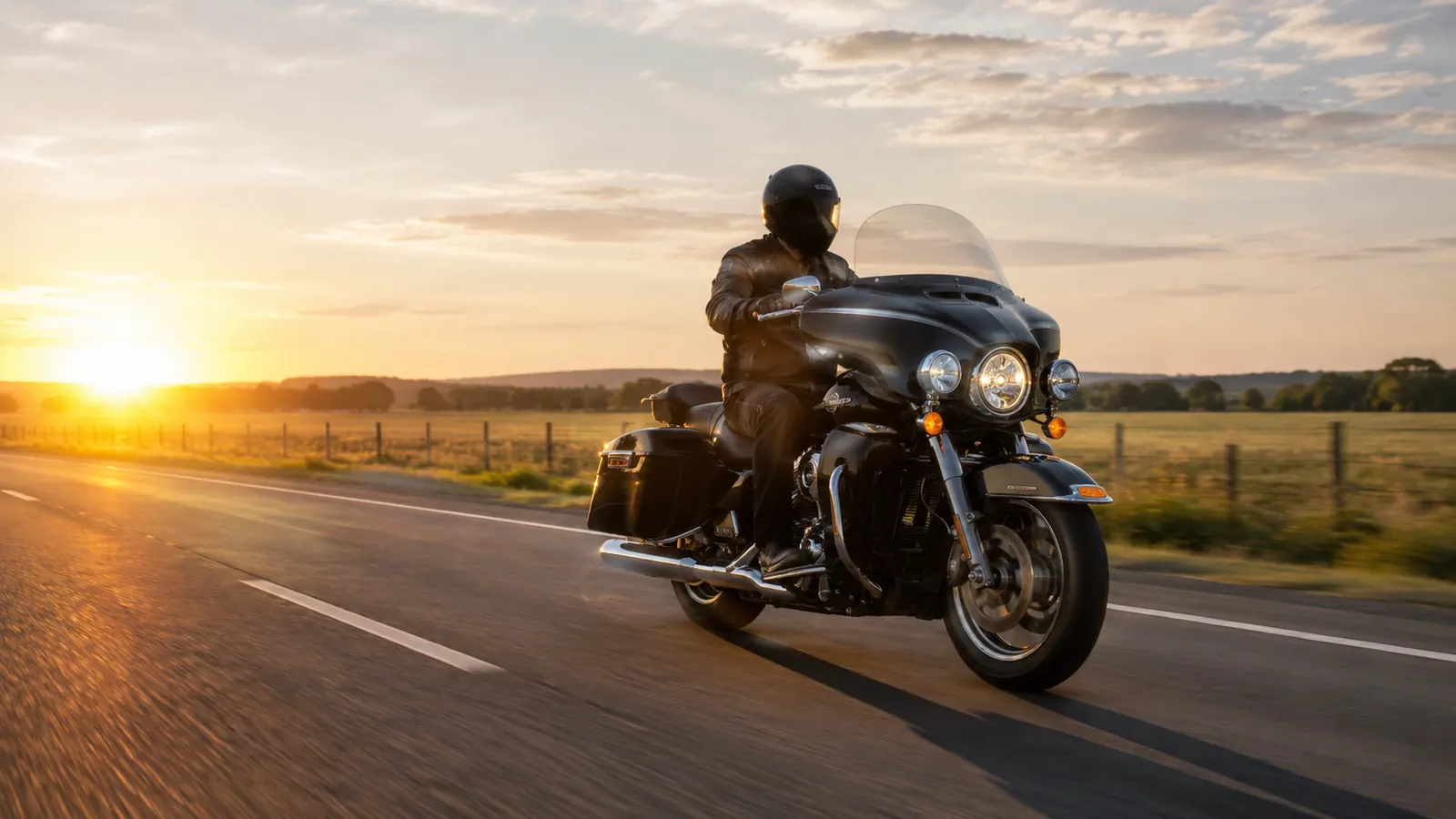
On weekend trips when Carol rides pillion, we use the two-way intercom to talk over the wind. The same volume setup works for her voice, though we have to keep sentences short at speed. On the long multi-state trip last summer, the GPS audio was the thing that kept us on schedule through construction detours. It worked the way it was supposed to, which is the highest compliment I can give any piece of riding gear.
What About Calls and Intercom?
Calls work the same way as GPS, with one difference: I keep the phone's voice assistant in charge. When a call comes in, I can answer with the control on the Cardo unit and talk without touching the phone. The microphone sits on the left side of my helmet, and as long as I close the visor and keep my chin down, callers say I sound like I am in a car, not on a motorcycle.
For intercom, Carol and I keep it simple. We pair the two units once and the connection has been reliable ever since. The range is plenty for two riders who stay close, and the voice quality is clear enough for short updates like 'next gas exit' or 'turn here.' If you plan to ride in a large group with multiple bikes spread out, you would want a different Cardo model with mesh intercom. For the two of us, the Spirit does the job.
When This Setup Is Not Enough
The Cardo Spirit is a solid everyday unit, but it is not built for every situation. If you ride in a group and need to hear five other riders at once, or if you want music sharing and long-range intercom between bikes, a higher-end Cardo model does more. The Spirit is best for a solo rider who wants clear music, calls, and GPS without a pile of features to manage.
Also be honest about your hearing. If you already have significant hearing loss from years of riding, no speaker placement will bring the details back. Get a hearing test, wear quality earplugs on every ride, and set the volume at a level that does not make things worse. The goal is to hear your music and your GPS clearly at highway speed, not to blast through the wind at full volume.
How to Test the Setup Before You Ride
Before a long trip, I do a quick five-minute test in the driveway. I put on the helmet, start the engine, and play a podcast at the volume I plan to use. Then I walk the bike around the yard to create some wind without leaving home. If I can understand the podcast at walking speed, I know the setup is close. The highway will be louder, so I leave a little headroom.
I also test the GPS voice while the bike is running. I set a short destination, start riding, and listen for the first prompt. If it is clear, I do not touch anything. If it is muffled, I check the speaker position first and the volume second. Nine times out of ten, it is the speaker position.
The Bottom Line
If you ride a motorcycle and want to hear music and GPS at highway speed, the fix is mostly setup, not spending more money. A Cardo Spirit paired with a well-sealed helmet and decent earplugs is enough for most riders. The steps above took me one careful evening, and I have not touched the setup since.
Start with Step 1 and go in order. If you mount it crooked, the rest of the setup fights against you. If you set the volume in the garage, you will be chasing it on the highway. Do it once, do it in the right order, and your next ride will sound the way you hoped it would when you bought the unit.
Set it up once, ride with clear audio.
The same steps that work on my Road King work on any helmet. Do it in order, test it at speed, and enjoy the ride.
Amazon Check Today's Price on Amazon →